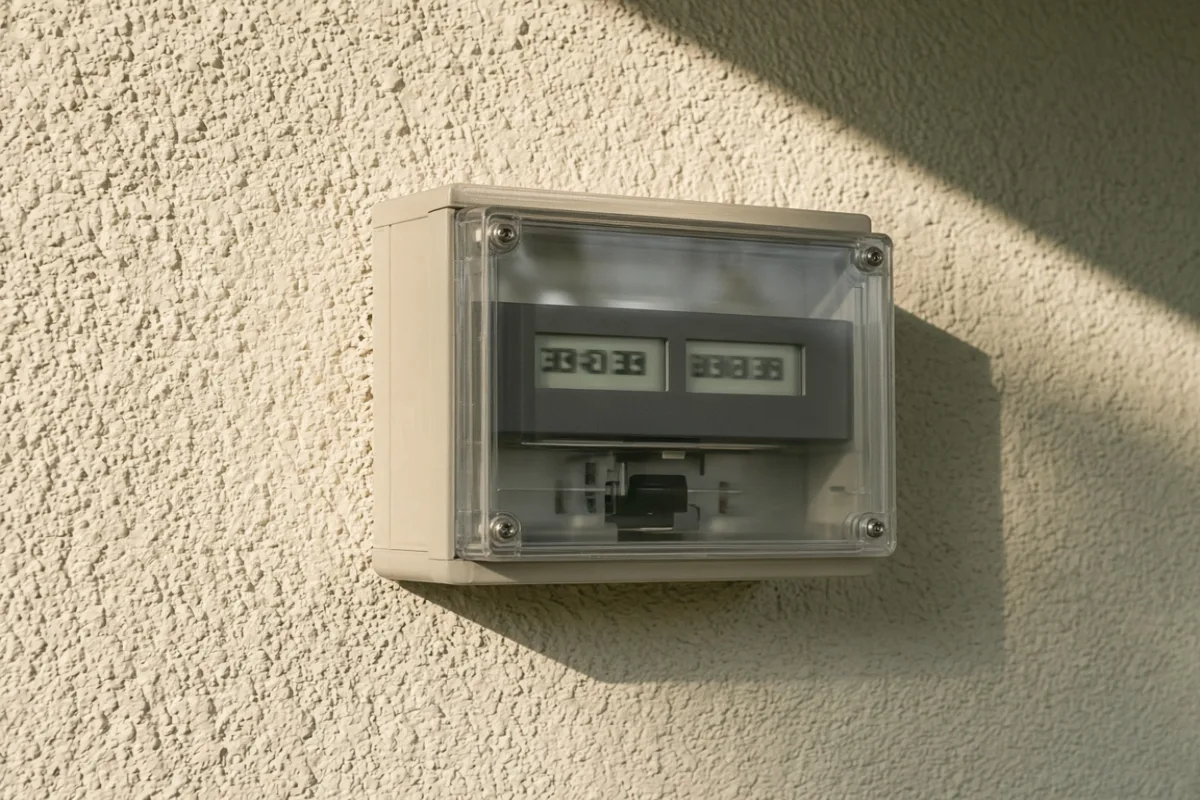
Why Your Bill Still Arrives Every Month After Panels Go Live
The first statement after activation landed on the kitchen counter beside a cooling coffee mug, and the total was not what anyone pictured during pre-activation planning — not because the panels underperformed, but because nobody had walked through what a utility bill still does when the roof starts producing.

Panels Change Energy Math, Not the Account Itself
Activation swaps part of your consumption story — kilowatt-hours you once bought entirely from the grid may now come from the roof first. That shift shows up in usage rows and credit lines. It does not dissolve the account, close the service agreement, or remove the infrastructure that delivers power when clouds sit over your array for a week straight.
Most first-year frustration starts here: expecting the envelope to stop because production started. The statement keeps arriving because the utility still maintains lines, reads the meter, and bills for services attached to being connected. Production changes what fills some rows; it rarely removes the document.
Charges That Usually Survive Activation
Scan these before deciding the meter or monitoring app must be wrong. They appear on many post-solar statements regardless of how strong summer production was:
- Delivery or distribution fees — tied to moving power across the grid, not to whether your panels covered lunch-hour load yesterday.
- Customer or service charges — flat monthly costs for maintaining the account and connection, separate from how many kilowatt-hours you imported.
- Minimum bill provisions — some tariffs apply a baseline charge even when net usage for the period is low or negative on paper.
- Taxes and mandated riders — line items that follow regulatory rules and rarely vanish because a inverter went live.
Seeing these rows is ordinary. Treating them as proof that solar “did not work” is the leap that sends people troubleshooting hardware when the document format is doing exactly what the tariff describes.
The Reconciliation Row Nobody Circled for You
Net metering territories often add a reconciliation section that compares what you exported against what you imported over the billing window. Labels vary — banked credits, true-up adjustments, carryforward balances — but the function is similar: the statement closes a period, not a single sunny afternoon.
A strong production month may produce credit language that does not erase delivery rows in the same envelope. A weak winter month may show import dominance even when the array is healthy for the season. Reading one number in isolation — especially the bold total due — hides the ledger underneath.
The bill answers account questions across a billing window. The meter answers flow questions at the service entrance. Conflating the two is how a normal delivery fee turns into an unnecessary service request nobody needed to make.
A First-Statement Reading Order That Saves Time
Work top to bottom once, pencil in hand, before opening the app or walking to the meter. The sequence matters because it separates format confusion from equipment suspicion:
- Identify the billing period dates — partial months after activation often look odd compared to later cycles.
- Locate import and export summaries if your layout includes them; note whether they cover the full period.
- Circle delivery, customer, and minimum lines before interpreting energy usage rows.
- Find any reconciliation or credit language and write the balance term in your own words on the margin.
- Only then compare the usage story to a recent meter photo or app screenshot from inside the same window.
If steps one through four explain the total, the hardware may be fine and the vocabulary was simply new. If usage rows contradict meter registers for the identical period, you have a cross-check worth escalating — with the marked bill, not a vague sense that the envelope should not exist.
When the Statement Looks Wrong in a Specific Way
Not every surprise is structural. These patterns often trace to timing or paperwork rather than a dead array:
- First bill spans pre-activation and post-activation days in one period — the blend inflates import side.
- Credit language references a prior period you have not filed yet — keep earlier statements in the same folder.
- Rate schedule code changed at interconnection but nobody updated your mental model of the old layout.
- Electronic billing hides sub-rows that paper statements expand — toggle views before concluding a line is missing.
What the Envelope Will Not Tell You
Your statement reflects tariff rules and metering records, not whether your monitoring app graph looks satisfying or whether a neighbor’s roof produced more last Tuesday. It also will not replace your interconnection agreement when a definition is ambiguous — that document still wins when a label on the page could mean two different things.
Keep three artifacts together: the marked bill, one meter photo from the period, and one app screenshot with the date visible. That trio answers most first-year desk questions without turning every delivery fee into unnecessary alarm about whether activation was real.