Why Your Monitoring App Looks Different Every Season
In late summer your monitoring dashboard stacked tall green bars like a small skyline. By midwinter the same screen looked barely awake — short peaks, wide gaps, and a daily total that felt like an entirely different system had replaced your roof.
Daylight Sets the Ceiling Before Weather Enters
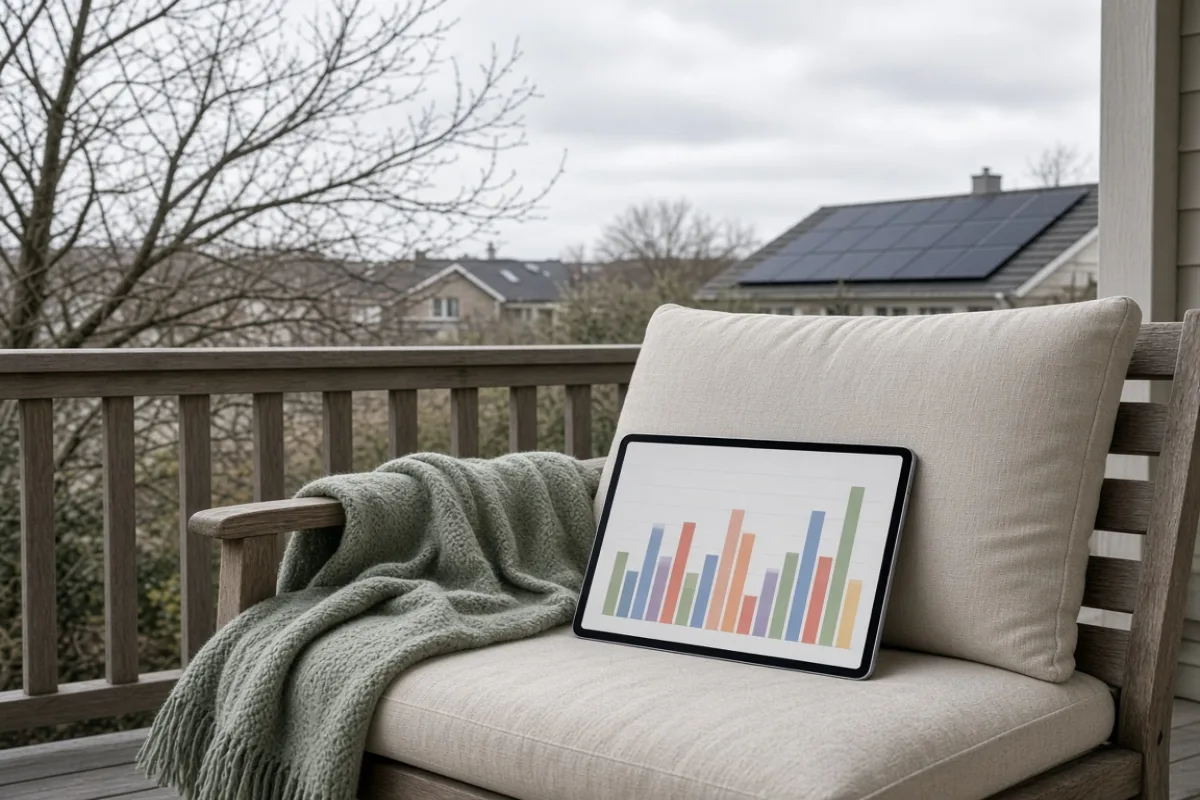
Production has fewer hours to accumulate when days shrink. The solar window narrows, evening loads arrive sooner, and each hour matters more. Apps that auto-scale their vertical axis make summer peaks look dramatic and winter days look hollow even when each sunny hour performed reasonably for the season.
Compare daylight length, not just bar height. A midwinter curve that looks flat may still track the available sun faithfully — the graph is honest about a shorter runway, not a dead array.
Evening load overlap makes the contrast sharper. In summer, production often outlasts dinner prep and dishwasher cycles. In winter, those same appliances run after the curve has already fallen. The app records the mismatch honestly — your household did not suddenly become wasteful, the clock simply moved.
Three Kinds of Seasonal Dips
Not every low segment means hardware trouble. Most first-year panic comes from treating all dips as the same problem. Sort them before you reset anything or open a ticket.
- Weather dips — thick cloud cover, lingering frost, or heavy rain that blocks or delays morning ramp-up. They track the forecast more closely than your wiring diagram.
- Angle and shade dips — lower sun hits vent pipes, chimneys, or bare branches that summer rays cleared entirely. The dip often appears at the same clock time for weeks.
- Sync dips — the app batches uploads or loses connection overnight. A grey day plus a stalled sync can show zero production when the inverter still logged partial output locally.
A screenshot folder beats memory. When you can flip from a July bell curve to a January plateau in the same album, the seasonal story tells itself — and support calls get shorter.
A Simple Seasonal Comparison Routine
Once per month, capture the same two views — daily curve and monthly summary — and store them in one album. After a full year you will have a personal baseline no generic chart can replace.
- Open the app at the same hour on the first clear day of each month.
- Screenshot the daily production curve with the date visible in the status bar.
- Screenshot the monthly summary screen without cropping the axis labels.
- Write one line in the album notes: clear, partly cloudy, or overcast.
The routine takes five minutes and prevents you from comparing a storm week in March against a pristine week in August — a mismatch that makes healthy systems look underperforming.
When a Flat Line Deserves a Second Look
Seasonal shrinkage is expected. A sudden cliff mid-season — especially after equipment was reachable and producing normally the week before — may point to a tripped breaker, communication fault, or inverter message you have not opened yet.
Document the screen before restarting anything. Photos with timestamps visible help whoever you call separate software lag from hardware silence. If production recovers after a reset but flatlines again within days, the pattern itself becomes evidence worth keeping.
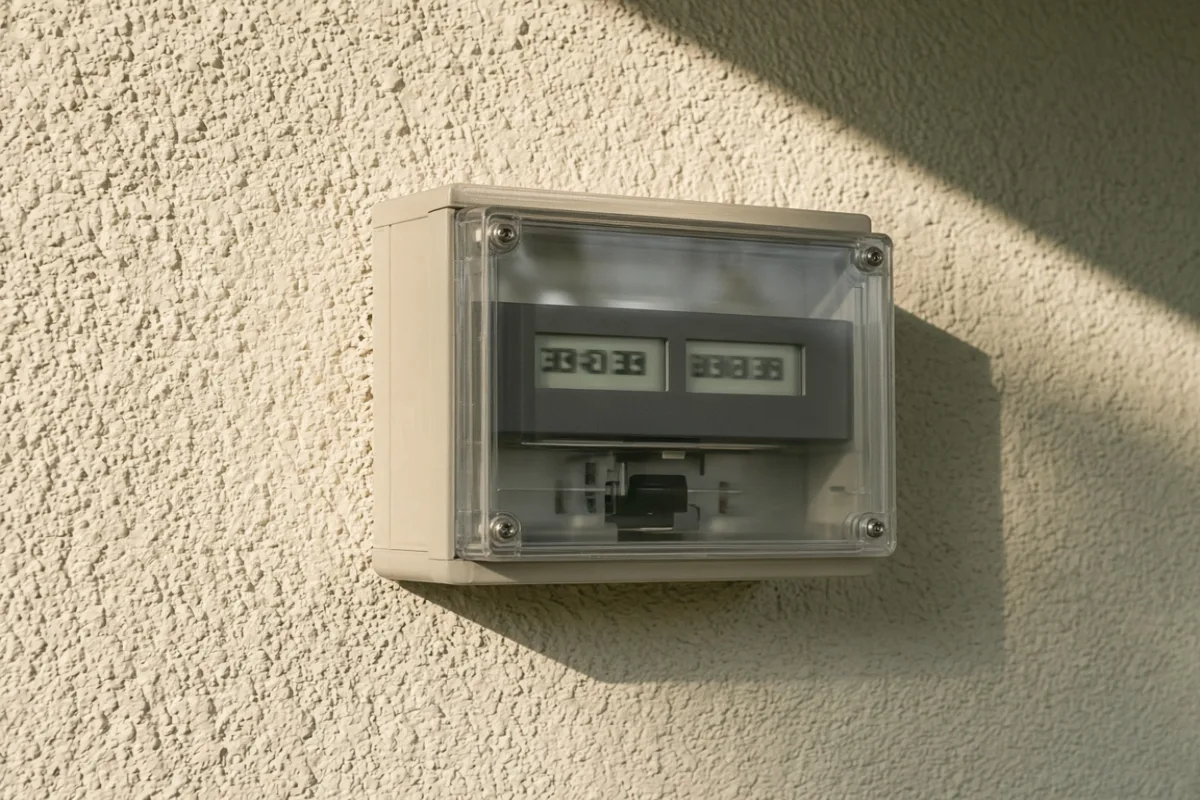
Cross-check against the meter when you can. If registers still show export movement on a day the app reports nothing, you are likely looking at a communication gap — frustrating, but a different category of problem than a silent roof.
What the App Still Will Not Show
Monitoring software displays what its sensors report. It does not explain delivery charges on your statement, credit reconciliation rows, or whether your tariff values exported kilowatt-hours the same way your meter records them. Use the app for production shape; use your bill and meter for account-level questions. Mixing the two is how a healthy winter graph turns into an unnecessary service visit.