Utility or Installer: Who Owns Which First-Year Problem
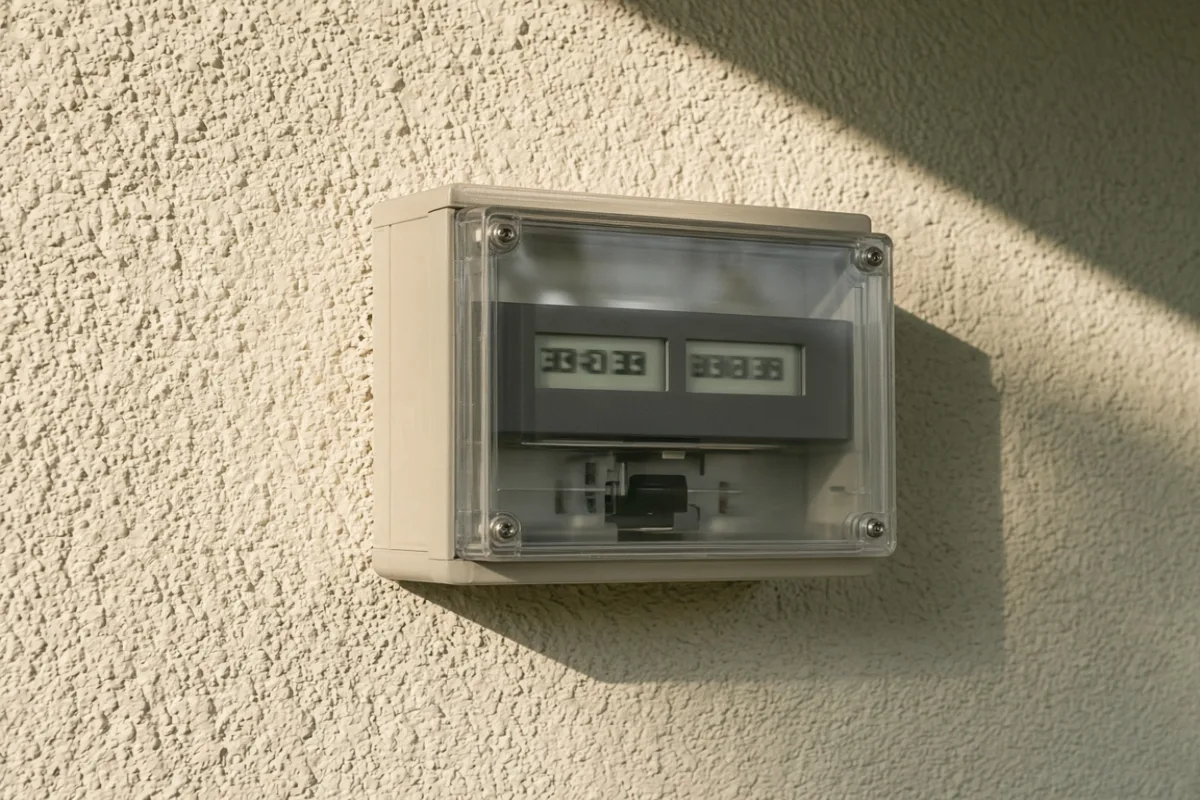
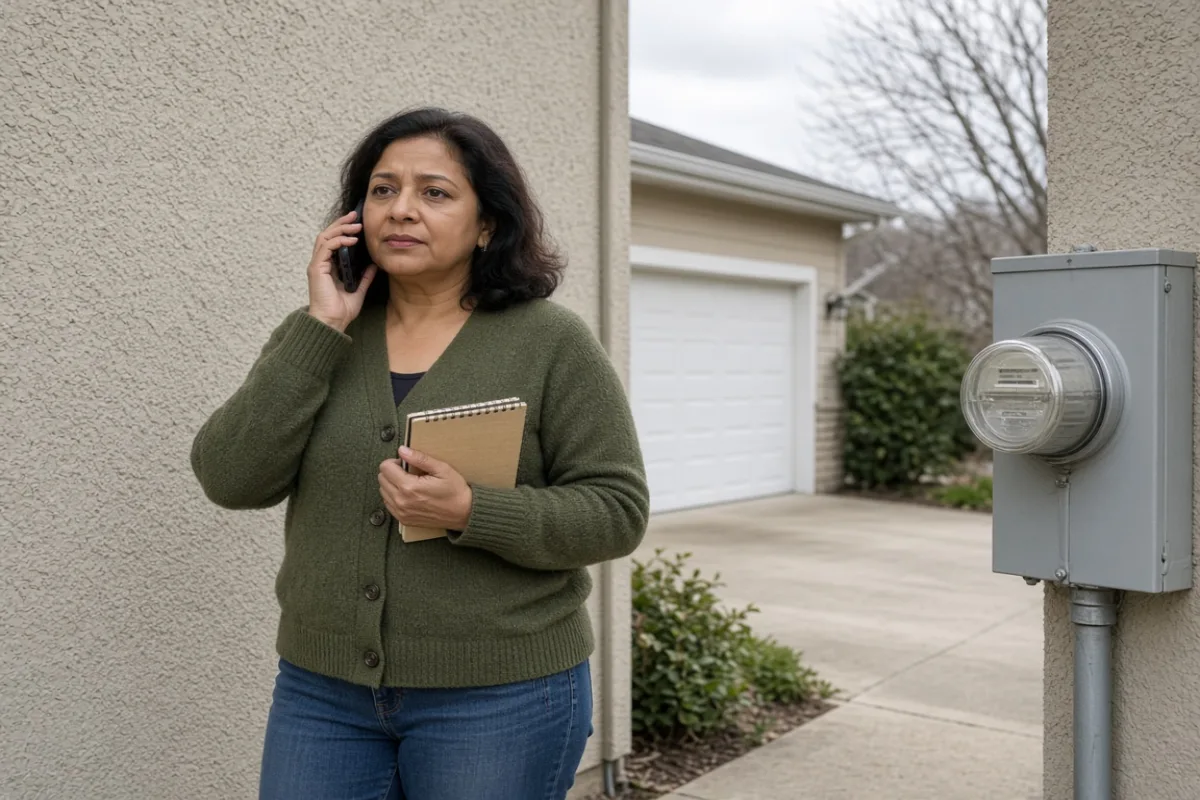
The export register looked frozen while the app showed a healthy curve, and the activation packet listed two phone numbers with no decision tree — so the homeowner stood beside the meter with a notepad under one arm, already on hold with whoever answered first.
Route by Symptom, Not by Frustration
First-year calls go sideways when the opener is “something is wrong with solar” instead of a specific mismatch between two records. Desk staff route tickets by category — billing, metering, interconnection, equipment, software — and vague urgency lands in a general queue that bounces you between hold music and callback promises.
Write one sentence that names what disagrees with what: the bill total versus the meter photo, the app graph versus the inverter display, the credit line versus the interconnection paperwork. That sentence often tells you which door to knock on before you dial.
Questions the Utility Desk Usually Owns
The utility maintains the service account, the meter at the service entrance, and the tariff language on your statement. These complaints typically belong there:
- Unfamiliar line items — delivery fees, minimum charges, reconciliation labels you cannot map to usage.
- Meter access — locked cabinet, damaged glass, blank display, or a register that stopped advancing entirely.
- Billing period errors — a statement that spans pre-activation and post-activation days without clear separation.
- Rate schedule or net metering credit wording that does not match your signed interconnection agreement.
- Permission to work near the meter — seals, locks, and utility-side equipment you must not disturb yourself.
Bring the marked bill and a dated meter photo. Utility agents rarely log into your monitoring app; they reconcile account records against their own metering data.
Questions the Installer Desk Usually Owns
The installer configured the array, tied communication gear to your network, and handed off activation documents. These symptoms typically start on their side of the wall:
- Monitoring app will not pair, drops offline nightly, or shows zero while the inverter display reports output.
- Inverter fault codes, breaker trips on the dedicated solar backfeed, or error lights after storms.
- Production far below expected on clear days when the meter still shows export movement — pointing to array or inverter issues.
- Missing activation paperwork, incomplete permission-to-operate copies, or equipment documentation questions about installed hardware.
- Physical roof hardware — loose conduit, damaged optimizers, grounding concerns visible from the ground.
Two numbers on an activation packet is not a routing plan. One labeled symptom — bill row, meter register, app screen — is usually enough to cut the first call in half.
Narrowing the Gray Zone in Four Steps
Some tickets ping-pong because both parties see partial evidence. When you genuinely cannot tell who owns the issue, run this sequence before a second hold cycle:
- Photograph the meter registers with the date visible in the same frame or in your notes.
- Screenshot the app daily graph and the inverter front panel if you can reach it safely without opening enclosures.
- Circle the exact bill rows in question and note the billing period dates in the margin.
- Ask each desk one narrow question: “Does your record show export during this window?” — not “why did production stop?”
If the utility confirms export on their meter read but the app shows silence, the gap is communication, not grid connection. If neither meter nor app shows export on a clear day, the array side deserves the next look. The sequence prevents paying two dispatch fees for the same afternoon.
What to Have on the Table Before You Dial
Hold time shrinks when the first agent does not need to teach you vocabulary. Gather these before calling either desk:
- Service address and account number from the latest statement — not from memory.
- Permission-to-operate date or activation letter if you have it; partial-month bills confuse without it.
- Three photos or screenshots timestamped inside the same week as the problem.
- One sentence describing the mismatch — written, not improvised while frustrated.
If the first desk redirects you, forward the same packet instead of retelling the story from scratch. Inconsistent retelling is how tickets split into duplicate cases that never merge.
When Neither Desk Feels Satisfying
Escalation paths exist — consumer affairs at the utility, project manager lines at the installer, written requests that create paper trails — but they work better after you have run the gray-zone sequence once. Jumping straight to escalation without dated evidence often resets the clock rather than shortening it.
SunLedger documents patterns; we do not open tickets on your behalf. If your symptom still does not fit either column after the four-step check, describe the specific mismatch through our contact form — meter photo, bill row, app screen — and we will suggest what to verify next on your end before another round of hold music.